A better connection between newsletters and advertisers
For advertisers
Meet your next customers in newsletters they read.
Put your message in front of relevant audiences through independent email newsletters. Browse upcoming sends, bid on the placements that fit, and set a separate spending limit for each one.
Set a budget for each placement · Pay for eligible clicks
Audience firstPlace useful messages where interested readers already are.
Four newsletter ad formats
One message. Four ways to show up.
Give newsletter publishers a message they can place naturally alongside their content. Add optional creative assets, then let publishers choose the layout that fits their publication.
Example layout
Sponsored text
A headline, short message and link. A natural fit for text-focused newsletters.
No image needed. A plain-text version is also available for text-only emails.
ILLUSTRATIVE CREATIVE · INACTIVE LINKS
SPONSORED
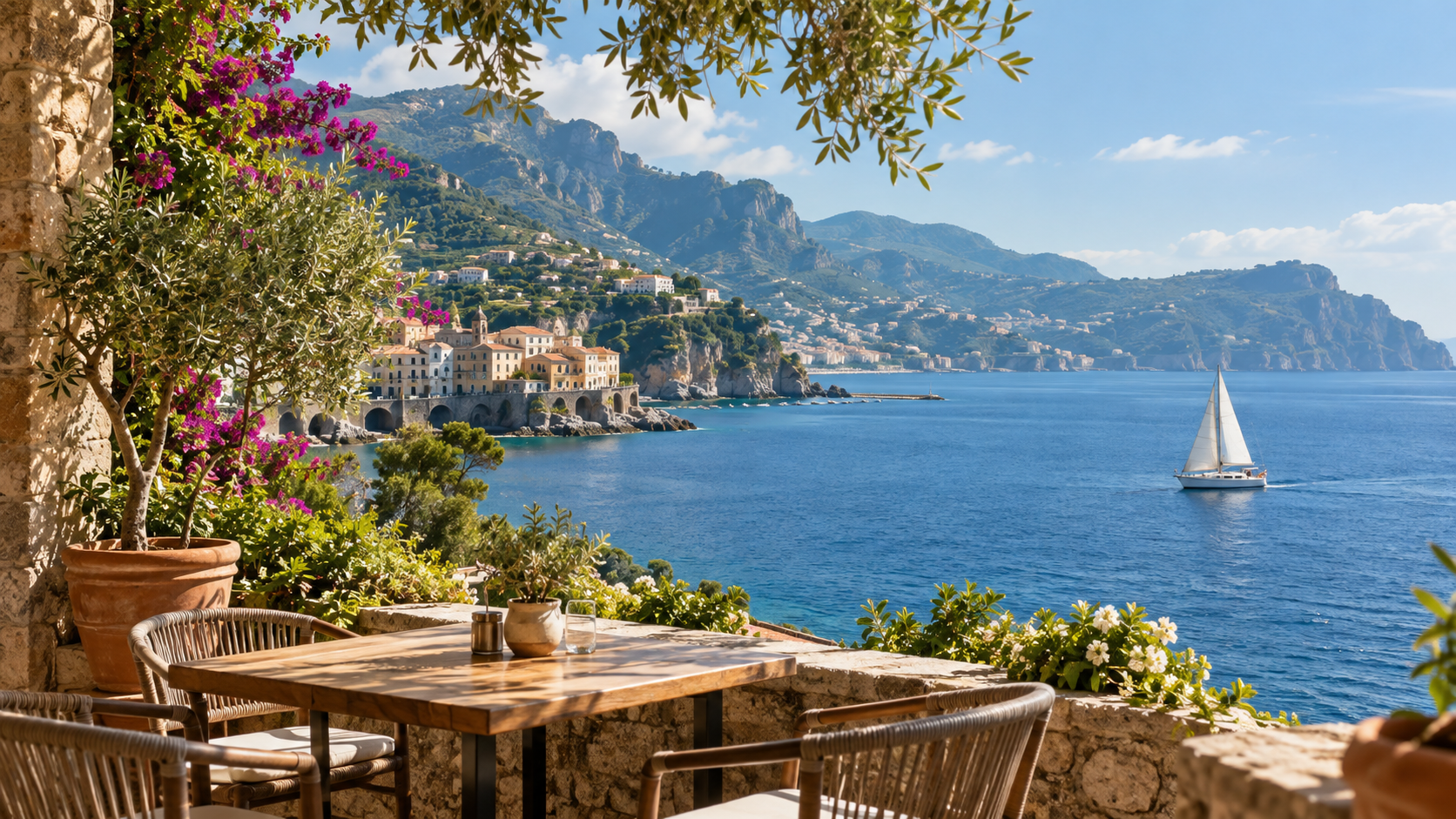
Make room for a slower weekend
Find a little inspiration for your next coastal escape. Explore local guides and ideas for a refreshing change of pace.
Examples use a fictional sponsor, not a customer endorsement. Newsletter appearance varies by email service and client.
Start with your message
Your headline, short description and destination stay with the ad across layouts. Publishers choose how accepted ads appear.
Add optional images
Supply a publicly accessible HTTPS image URL and a description. A logo can accompany the featured sponsor layout.
Keep control of spend
Bid on upcoming sends and set a spending limit for each placement. These formats keep the existing per-click model.
What images should I prepare?
Use an image around 1,200 pixels wide, ideally a JPG or PNG under 200 KB, and a short description for readers who cannot see it. For a logo, prepare a version around 240 pixels wide. These are recommendations; preview and test your assets before use.
Do I need an image to advertise?
No. Text-only creative works with the sponsored text and compact recommendation formats. Image-based layouts retain a readable text fallback when an image is not supplied or displayed.
Can I choose exactly how my ad appears?
You provide the headline, copy and optional assets. Publishers select the format for accepted placements. Creating an ad does not guarantee acceptance, clicks or sales.
Will a featured sponsor format cost more?
These layout options do not add a format-based fee. Your existing per-click bid, placement spending limit and advertiser terms still apply.
Build a campaign around the readers you want to reach.
Create your ad
Write a headline and short message, then add the page you want readers to visit.
Choose your audience
Browse approved newsletters with upcoming sends. Choose placements by topic, subscriber range, and scheduled send date; set a click price and spending limit for each.
Follow acceptance and results
Publishers review your bids and decide whether to accept them. After placement, follow eligible clicks and spend in your account.
A more relevant introduction
Reach people through a publication they chose.
A newsletter arrives by invitation. HeyAmigo helps you put a relevant offer alongside content readers already care about, with categories that guide matching and a publisher who decides whether to carry your ad.
◎
Choose audience categories
Describe the readers you want to reach so your ad can be discovered by matching newsletters.
↗
Set your own CPC
Decide what a click is worth to your campaign and set a maximum spend.
Campaign control
Spend with a limit you choose.
Set a click price and spending limit for each selected newsletter send. Keep your account funded and monitor placement spend and remaining balance. Placement depends on publisher acceptance.
Example only. Publisher selection and campaign results are not guaranteed.
Questions advertisers ask
Understand what you control.
Is there a charge to join?
Create your account, review the current advertiser terms, and fund your balance before paid clicks can run. Billing applies to eligible clicks within each placement’s spending limit.
Can I see where my ad runs?
Your account associates bids and click activity with specific newsletter sends, so you can follow placement-level results.
Am I guaranteed a placement?
No. Newsletter publishers choose which available ads to run, so adding a campaign does not guarantee that it will be placed or generate clicks.
Can I pause or change my ad?
Manage your ad’s status from your advertiser account. Review accepted placements before editing creative, destination, or bid settings.
Ready to introduce your brand to a relevant audience?